반응형
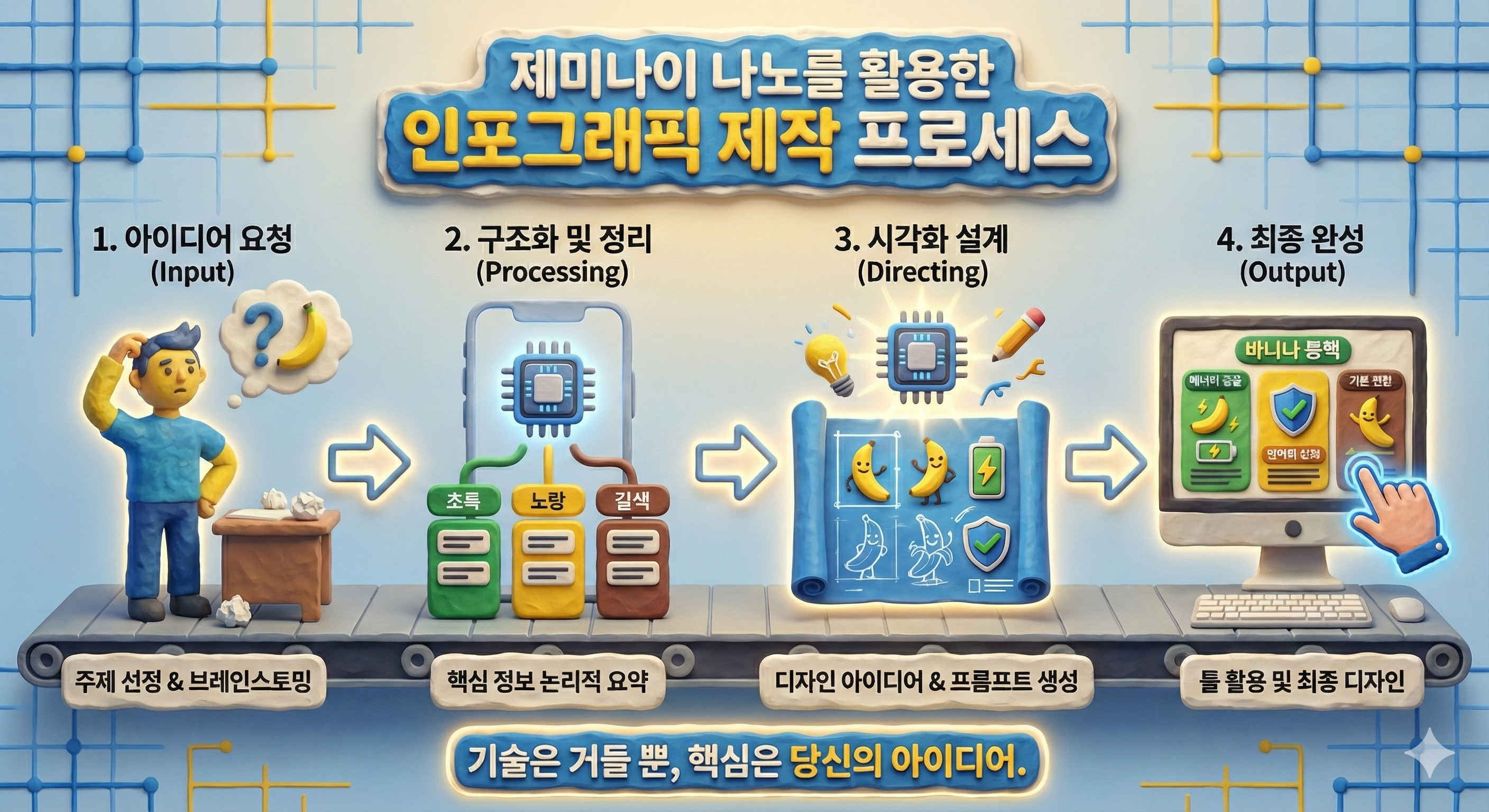
Gemini PRO 바나나로 인포그래픽을 만드는 과정은 생각보다 훨씬 쉽습니다
Gemini Pro 모드 (사고 모드)에서 제공되는 이미지 생성 기능은 한글을 매우 정확하게 표현하는 능력이 뛰어나, 사용자가 입력한 문장을 자연스럽게 이해하고 원하는 스타일의 이미지로 변환해주는 것이 큰 장점입니다.
간단한 텍스트만 입력해도 Nano Banana가 핵심 내용을 자동으로 구조화하여 시각적인 이미지로 만들어주기 때문에, 디자인 경험이 없어도 깔끔하고 완성도 있는 인포그래픽이나 일러스트를 손쉽게 제작할 수 있습니다.
아래에 정리된 완성된 결과물과 실제 사용한 프롬프트를 참고해 직접 활용해보세요.
문구를 조금 수정하거나 스타일을 더해보면, Gemini Pro를 통해 다양한 이미지 버전을 자유롭게 실험해볼 수 있습니다.
실전 가이드
프롬프트
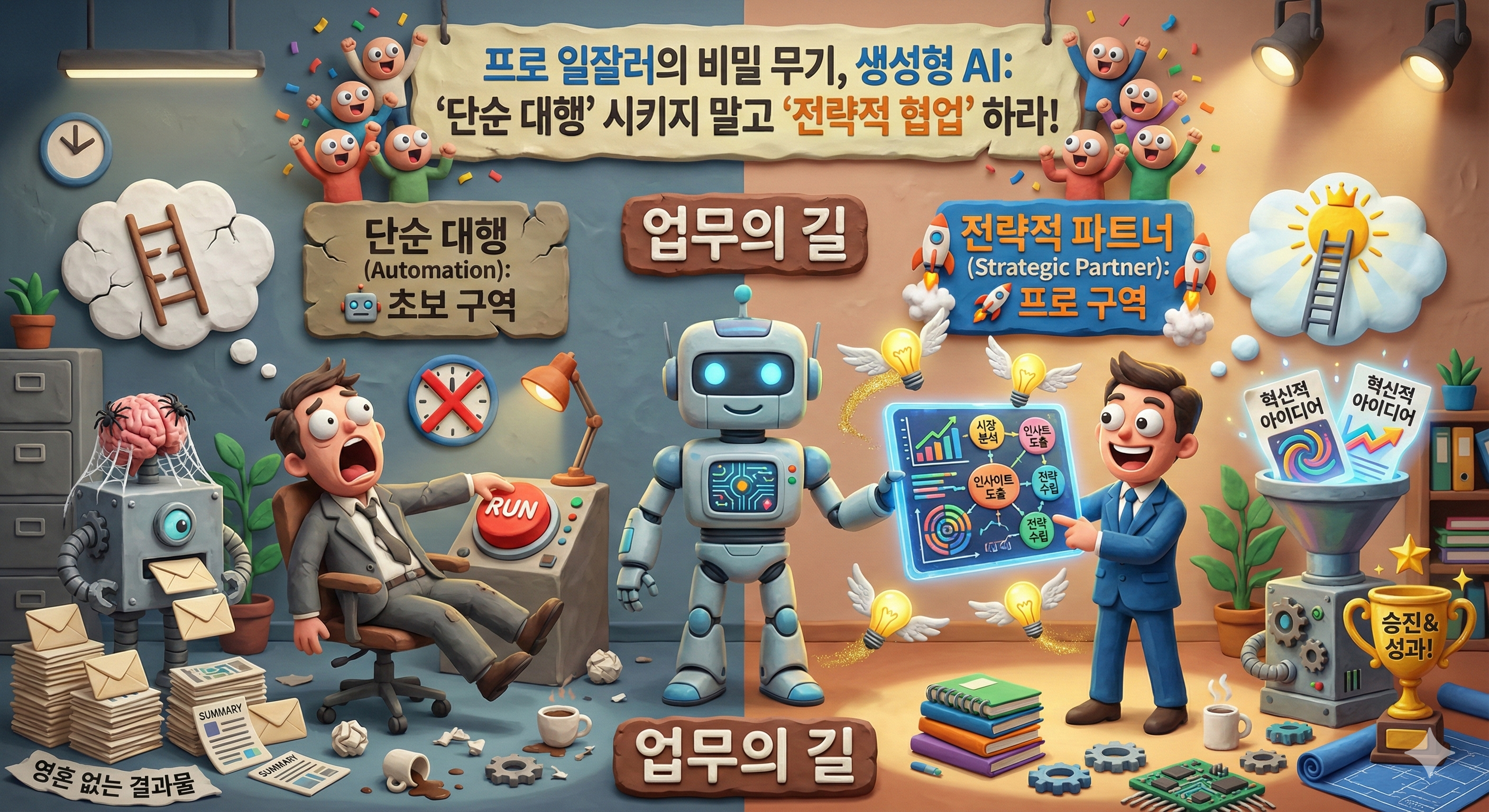
Infographic illustration in a distinctive claymation style with matte textures, visible fingerprints, handcrafted clay props, and warm, practical set lighting. The central top title banner, made of lumpy clay, reads: "프로 일잘러의 비밀 무기, 생성형 AI: '단순 대행' 시키지 말고 '전략적 협업' 하라!". Below the title, a winding clay path labeled "업무의 길" is split into two sections by a large, evolving clay AI robot character.
The left section, titled "단순 대행 (Automation): 🤖 초보 구역" in a dull, cracked clay sign, shows a bored clay office worker with sleepy googly eyes pushing a giant clay 'RUN' button. A basic, clunky clay AI bot mechanically churns out identical, boring clay documents into a pile labeled "영혼 없는 결과물" (Soulless Results). A broken clay ladder icon leans against a wall. The lighting is dim.
The right section, titled "전략적 파트너 (Strategic Partner): 🚀 프로 구역" in a bright clay sign with rocket boosters, shows an energetic clay office worker with excited googly eyes collaborating with an advanced, glowing AI robot over a clay tablet displaying data charts and brain icons labeled "시장 분석", "인사이트". A funnel machine outputs glowing clay "혁신적 아이디어" (Innovative Ideas) and a golden trophy labeled "승진!". A clay ladder icon with rockets is rapidly ascending. The lighting is bright and dynamic.

프롬프트
Infographic illustration in a distinctive claymation style with matte textures, visible fingerprints, handcrafted clay props, and warm artist studio lighting. The central top title banner, made of colorful lumpy clay, reads: "창작의 한계를 부수는 생성형 AI, 당신의 '경쟁자'가 아닌 새로운 '뮤즈'를 만나라!". Below the title, a clay artistic path is split by a stylized clay AI muse character holding a palette.
The left section, titled "의존 및 대체 (Dependency): 🎨 영혼 없는 복제 구역" in a cracked red clay sign, shows a stressed clay artist with worried googly eyes passively copying exactly what a robotic arm holds. A conveyor belt produces identical, generic clay paintings stamped with a big red "COPY" mark, piling up into "영혼 없는 복제" (Soulless Copies). A large, scary shadow of a robot looms over the artist.
The right section, titled "영감과 확장 (Expansion): ✨ 창의성 폭발 구역" in a swirling, bright multi-colored clay sign, shows a joyful clay artist with wide, expressive eyes painting wildly on a huge canvas, surrounded by a glowing, fairy-like clay AI muse whispering ideas. An explosion of diverse, colorful clay sculptures and unique art styles bursts forth, labeled "창의성 폭발!" (Creativity Explosion!). A winged clay paintbrush icon flies above. The atmosphere is magical and vibrant.
프롬프트
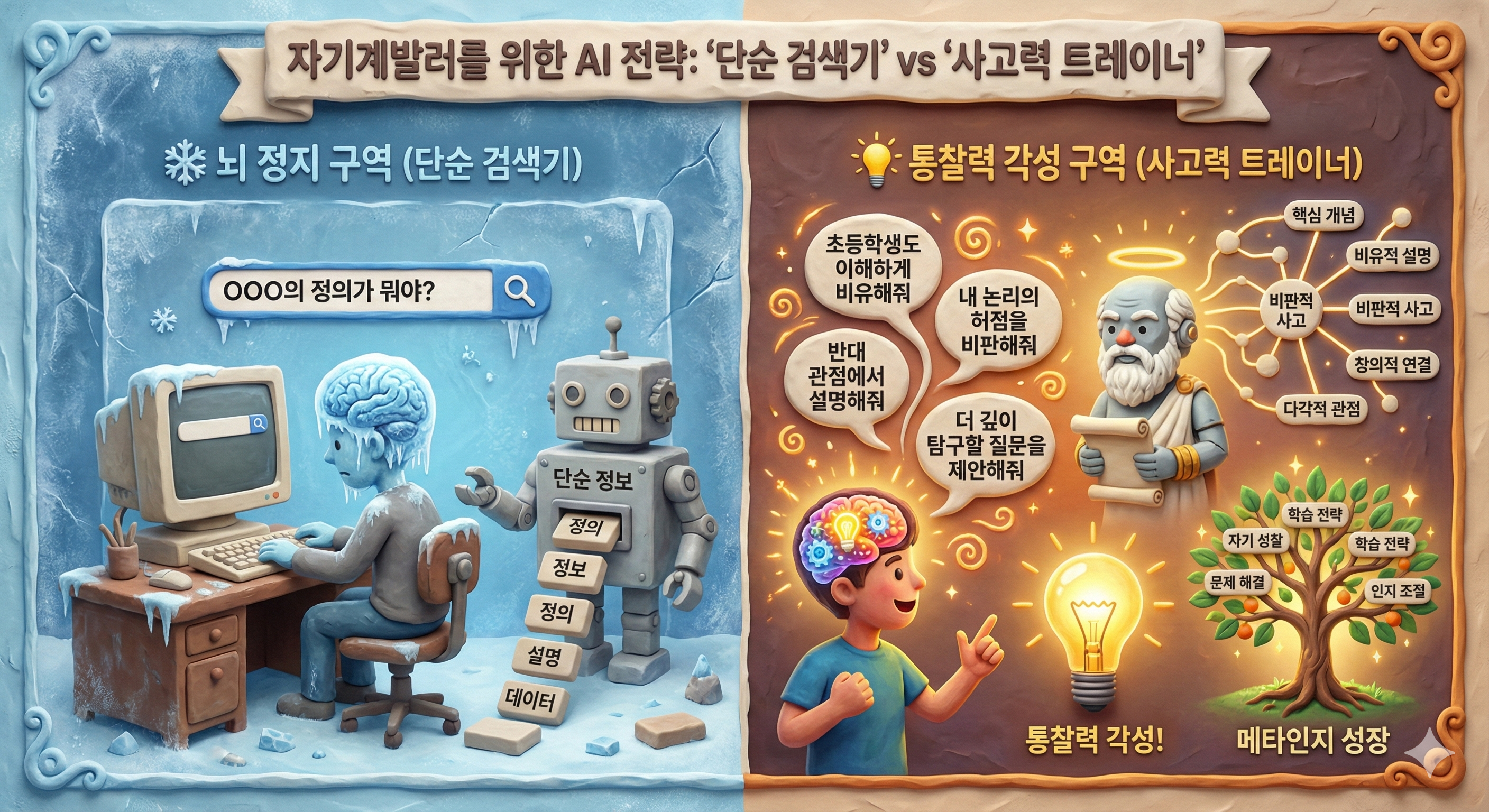
A detailed 3D claymation-style infographic with a textured, handcrafted feel. The central title banner at the top reads: "자기계발러를 위한 AI 전략: '단순 검색기' vs '사고력 트레이너'". The left section, with a frozen blue background, is titled
"❄️ 뇌 정지 구역 (단순 검색기)". A clay character with a frozen brain sits at a desk with an old computer, typing "OOO의 정의가 뭐야?" into a search bar. A simple clay robot next to them outputs blocks labeled "단순 정보" from a slot. The right section, with a warm, glowing orange background, is titled "
💡 통찰력 각성 구역 (사고력 트레이너)". An active clay character with a glowing brain engages with a bearded clay Socrates-like robot. Speech bubbles with complex queries like "초등학생도 이해하게 비유해줘" and "내 논리의 허점을 비판해줘" float between them. The robot projects a complex mind map. Below are a glowing lightbulb labeled "통찰력 각성!" and a flourishing tree labeled "메타인지 성장". The entire scene has clay textures and soft lighting.
마무리
이번 글에서 소개한 Gemini Nano 바나나 활용법과 함께, 올려드린 프롬프트와 예시 이미지를 참고해 직접 다양한 시각 자료를 만들어 보시길 바랍니다. 프롬프트 한 줄을 조금만 바꿔도 분위기, 색감, 구도, 표현 방식이 완전히 달라지기 때문에 같은 주제라도 무궁무진한 스타일로 확장할 수 있습니다.
특히 인포그래픽이나 카드뉴스처럼 구조가 중요한 콘텐츠는, 프롬프트를 조정하면서 여러 버전을 비교해보는 과정 자체가 큰 도움이 됩니다. 어떤 표현이 더 명확한지, 어떤 레이아웃이 더 전달력이 높은지 자연스럽게 알 수 있기 때문입니다.
여러분만의 방식으로 프롬프트를 수정해 보면서, 원하는 이미지를 더 정확하게 만들어가는 경험을 꼭 즐겨보세요. 작은 변화에서 새로운 아이디어가 시작됩니다.